
ep. 65. Augmentation or Atrophy? How Designers Perceive GenAI’s Role in UX
6 min read

How do designers perceive genAI’s impact on UX practice?
A recent CHI 2025 paper, De-skilling, Cognitive Offloading, and Misplaced Responsibilities: Potential Ironies of AI-Assisted Design, sought to answer this question, analyzing 120+ articles and discussions from UX-focused subreddits. In today’s newsletter, we unpack the learnings from this paper, connect it to 40+ years of human factors research, and share takeaways for design practitioners.
Wait, what’s CHI? It’s the abbreviation for The ACM CHI Conference on Human Factors in Computing Systems, the premier international conference for the field of Human-Computer Interaction.
Practitioner Perspectives on AI in UX
Design practitioners expressed a mix of excitement and caution over the use of AI-enabled design tools in their workflows. These tools include LLM-powered interfaces such as ChatGPT, and AI-enabled features in design tools like Figma, Miro, and Framer.
They were optimistic about AI’s ability to automate repetitive tasks and support creative ideation, but also raised concerns about over-reliance, de-skilling, and the erosion of critical design judgement. Three core themes emerged from the authors’ thematic analysis of over 120 articles written by UX practitioners, plus 62 Reddit posts on AI and UX, all published within the past three years.
Theme 1: Automation of Repetitive Processes
Design practitioners widely saw AI as a way to boost productivity by automating repetitive tasks like classifying user activities and creating user flows, freeing up time for more strategic and creative work.
However, some questioned whether AI was truly saving time, given the need to verify its outputs:
“I’m starting down this road more and I’m not seeing the value - if it’s AI within Dovetail to help identify themes, that’s one thing, but having to verify feels like the ‘saves time’ argument goes out the window.”- UX Practitioner
Despite these concerns, many remained optimistic about AI’s potential to streamline routine work.
Theme 2: AI as a “Second Brain” Supporting Creativity
Many practitioners viewed AI as a “second brain” - a tool that expanded ideation and opened new creative possibilities. While there was broad appreciation for AI’s ability to support early-stage exploration and make creativity more accessible, designers emphasized that AI served as a collaborator, not a replacement for human originality.
“Indeed, we should embrace the probabilistic nature of AI, which is one of the main reasons it supports unlimited creativity, leading to the realization that ideation is free with AI.” - UX Practitioner
Discussions across Reddit forums echoed these views, with designers describing AI as a brainstorming partner, a junior team member, and a way to accelerate creative thinking - while maintaining that human judgement and lived experience remains essential.
Theme 3: Human Input and Judgement Remains Necessary
AI-enabled design tools were consistently framed as a complement, rather than a replacement, for human cognition of creativity. AI was seen as useful for tasks such as data analysis and pattern recognition, but unable to replicate the empathy, intuition, and contextual understanding central to human-centered design.
Practitioners were cognizant of AI’s limitations, such as hallucinations, introduction of bias across stages of the design process, and lack of intentionality:
“If a human pulls together references and creates something new, there’s intention behind it. That intention is the context and relevance that AI has no way to produce algorithmically.” - UX Practitioner
Human Factors Insights
While many designers welcomed AI for handling tedious tasks and freeing up time for strategic work, it’s important not to view AI solely as a productivity tool. Automation can create, rather than resolve, inefficiencies for the human operator.
This is a lesson from over 40 years of human factors research on the ironies of automation. For example, when routine tasks are delegated to machines, people are often left with oversight roles that require high situational awareness - despite having fewer opportunities to stay engaged. This can lead to skill degradation and reduced readiness to intervene in the case of “automation surprises”, when operators are caught off guard by system behavior that deviates from their expectation (see our last newsletter for the tragic case of a pilot who, after over-relying on autopilot, was unprepared to take control when required).
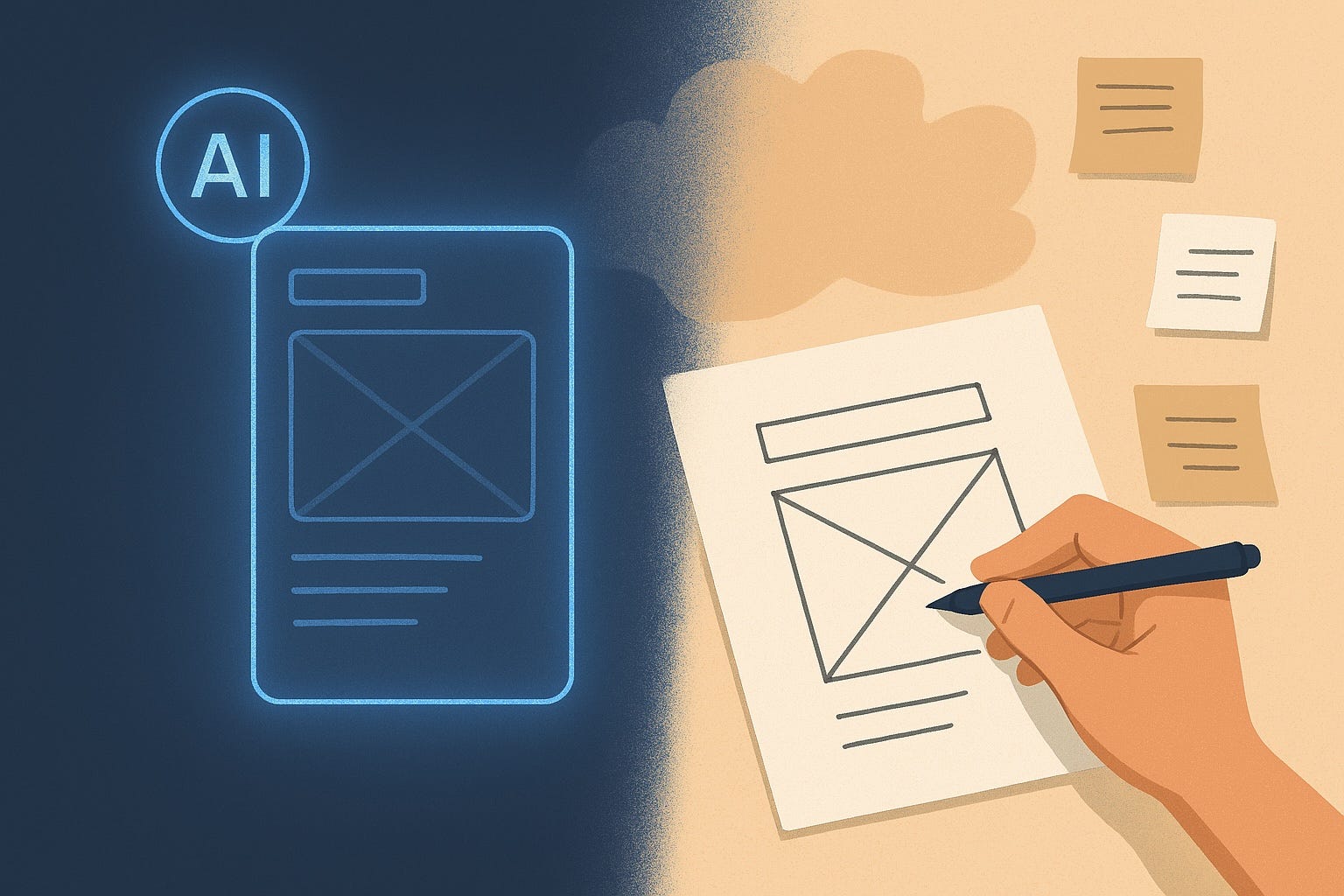
The autopilot analog in design might look like over-reliance on AI-generated outputs, leading practitioners to bypass early-stage activities like sketching and wireframing that traditionally served as important processes to develop ideas. The result may include missing opportunities for reflection and divergent thinking, weakening the ability to effectively conceptualize and iterate over time. The risk is even greater for early-career practitioners who may not have built fluency in these foundational skills to begin with.
Automation also cannot directly replace human tasks without fundamentally changing system dynamics. This substitution myth ignores how automation transforms the human role, often in unintended ways. Rather than treating genAI as a mere tool for efficiency, we need to approach it as collaborator that supports human expertise.
Takeaways
1. Treat AI as a collaborator, not a shortcut.
Frame AI as a collaborator, not a replacement for parts of your workflow. For instance, use AI as a “sparring partner” for early-stage ideation. Focus on applying AI for process, rather than output, and build in checkpoints for review of AI-assisted materials. Use the Cognitive Offloading Matrix to identify where AI can best augment workflows.
2. Make space for foundational skill development, especially for newer practitioners.
Over-reliance on AI risks skipping essential practice that builds design fluency. Ensure foundational skills like problem framing, sketching, and critique are still taught and practiced. For aspiring designer practitioners: protect time in your process for activities that may seem optional when using AI, but are critical for long-term skill growth and design quality.
3. Challenge the “substitution myth” in your org.
Avoid assuming AI replaces human work. Instead, consider how it reshapes workflows, decision-making, and team dynamics. Regularly review how AI tools are affecting your design process - and adjust not just the tools, but the surrounding practices and responsibilities.
Sendfull in the Wild
I’m excited to be teaching a tutorial with EPIC People on Designing AI to Think with Us, Not for Us: A Guide to Cognitive Offloading, happening May 7. Join me for this half-day course to learn strategic tools and cognitive science expertise you need to drive insights, design, and decision making that empowers people and builds trust.
Everyone is welcome to register and EPIC members get $50 off: https://www.epicpeople.org/project/5725-designing-ai-cognitive-offloading/
Human-Computer Interaction News
Embodied AI Enables Robots to Adapt in Real-World Environments: A new GPT-4-based framework combines visual and force feedback to help robots perform complex tasks - like making coffee - in unpredictable environments.
AI Helps Math Teachers Build Better "Scaffolds": This study explores how LLMs can help middle school math teachers create effective materials to structure tiered lessons to reach diverse skill levels.
Chain of Draft: Thinking Faster by Writing Less: Inspired by how people externalize thoughts (concisely, capturing only essential information), researchers developed Chain of Draft (CoD) - method that prompts LLMs to use minimal, high-impact reasoning steps.
Designing emerging technology products? Sendfull can help you find product-market fit. Reach out at hello@sendfull.com
That’s a wrap 🌯 . More human-computer interaction news from Sendfull in two weeks!